
Look at what you already have
Before you plan anything new, take an honest look at what's there. Who already comes, and from which countries? Who in your church speaks which languages? And who visited once and never came back?
There is often more than you think: members who speak Farsi or Ukrainian, a small group that meets in English, a language café in the church hall. That's something to build on.
Ask what international guests need
The best way is to ask them yourself. Usually three things come together:
- Understanding: the sermon, readings and announcements in their own language.
- Belonging: people who talk to them, and a group where they can join in.
- Everyday help: with paperwork, finding a home and learning the language.
Translation is the foundation. Anyone who can't understand can't settle in, however warm the welcome.
Go where they already are
Most guests come because someone invited them. So let people know your service is translated wherever international newcomers already gather: in language classes, at shelters, in language cafés, on campus and in chat groups in their language. A flyer in their own language says: you are welcome here.
A personal invitation still works best. If you know someone who doesn't speak the language of your service, bring them along.
Create spaces that connect
A translated service opens the door; relationships grow afterwards. What works: a meal after the service, an international small group and mentors who walk with newcomers through their first weeks.
We at Streamlingo want to support you in this.
More than 200 churches translate with it every week.
Hear a sermon translated with Streamlingo
The all‑in‑one solution for churches
- 80+ languages on request: if a language is missing, guests request it themselves. You don't need to know in advance who's coming.
- No app: guests scan a QR code and listen on their own phones.
- AI and interpreters: for each language you decide who translates.
- Original audio: for the kids' room and lobby, and louder for anyone hard of hearing.
- Captions: to read along on the phone, on the screen and in your livestream.
- Automatic: start and stop on a schedule, controlled from your phone too.
- Affordable: dedicated pricing for churches.
Show the QR code at entrances
Anyone who wants to listen should find the code without asking. What works:
- a poster at the entrance and in the lobby,
- a welcome slide before the service and after the songs,
- small cards on the seats or in the bulletin,
- one sentence in the welcome: "If you'd like to hear the sermon in your language, scan the code."
We provide the poster, welcome slide and QR code for download in your account. Your link stays the same, so you print once for every service to come.
A small team is enough
Setup is simple and only needs to be done once. After that, Streamlingo adds almost no extra work: usually the sound or slides team keeps an eye on it alongside everything else, so you don't need anyone extra.
The real job is a different one: talking to people. Your welcome team greets new guests, shows them how to scan the code, hands out headphones and helps when a language is missing. There's little to do on the tech side and a lot on the human side. That is what makes guests come back.
Set up once, translated every Sunday
- 1Connect the audio
Only the preacher's mic, not the full room mix.
- 2Add languages and a schedule
Then the Sunday translation starts and stops on its own.
- 3Try it free for 2 hours
Just right for a real test on Sunday.
- 4Control it from your phone
The computer sends the audio, you control it from your seat.
Start and stop happen automatically: on a weekly schedule or as soon as someone speaks into the mic. If you do need to step in, you can do it from a second device, such as your phone. From there you pause during worship songs, turn languages on and off, accept language requests from guests or switch microphones. The computer at the sound desk keeps sending the audio.
Have headphones ready
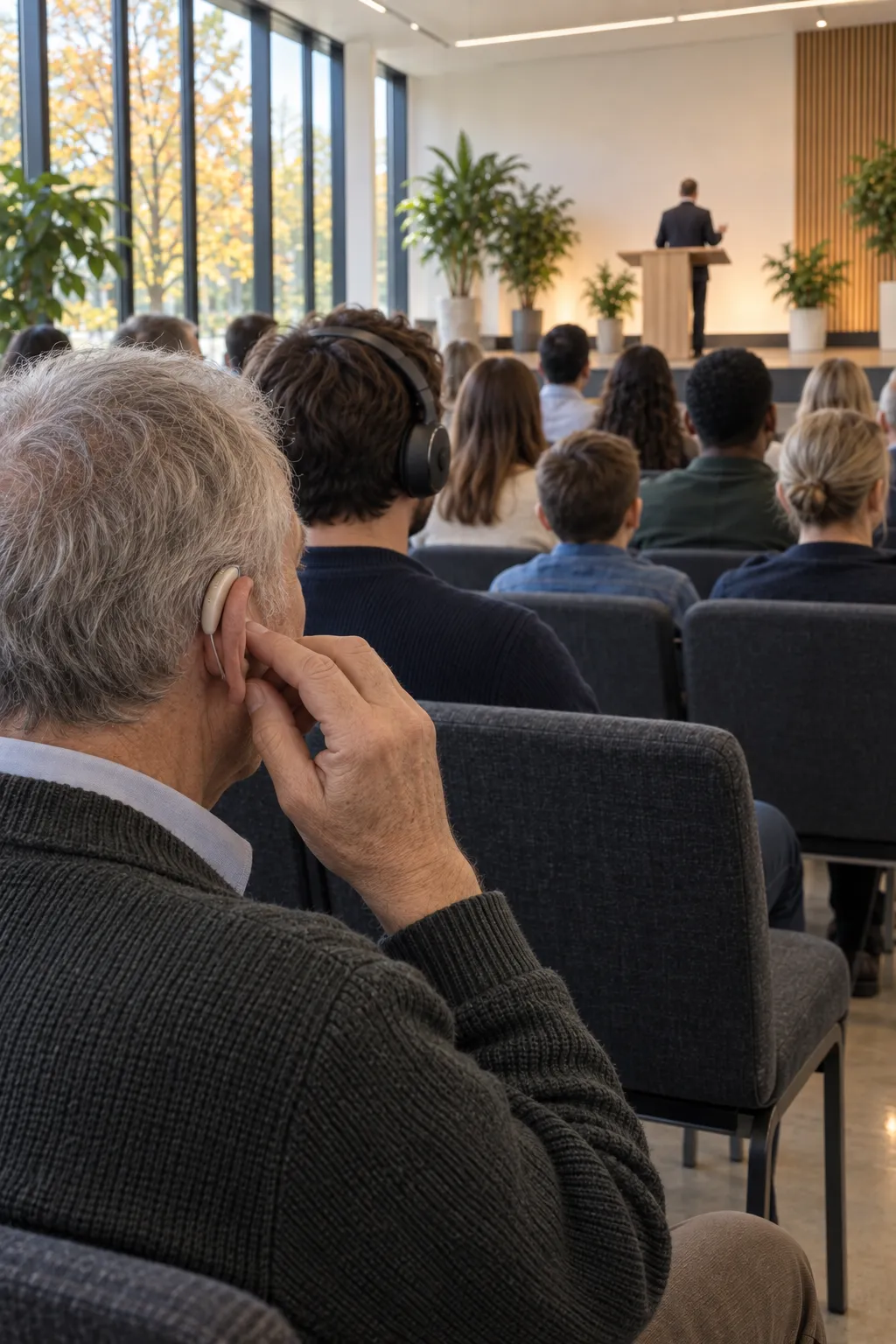
Guests listen on their own phones, ideally with headphones. Many bring their own. For everyone else, a box of simple loaner headphones at the entrance is worth it, plus one or two loaner devices for guests without a smartphone.
Affordable for churches
Churches get their own, affordable pricing, and we have framework agreements with many denominations and networks. You only pay when someone is listening: a language with no listeners costs nothing. All plans are on the pricing page, and you can try it for free.
If you work with your own interpreters, streaming them costs no AI hours. When a person should translate and when the AI is the better fit is covered in Interpreters or AI?.