



How live translation works.
From the microphone at the lectern to the phone in the audience: the setup steps and the equipment you need for it.
Everything in one event.
No need to choose: AI translation, your own interpreters, original audio and the big screen run side by side, and every guest takes what they need.


Welcome
Good to have you here today.
We’ll begin in just a moment.

Translate live in just a few steps
5 simple steps to live translation.
 app.streamlingo.netEmailyour@email.comPasswordCreate account
Create a free account and get started right away.
In seconds at app.streamlingo.net, free, no credit card required.
- app.streamlingo.netMicrophoneChoose microphone…Input languageChoose language…Listener link
 Start
Start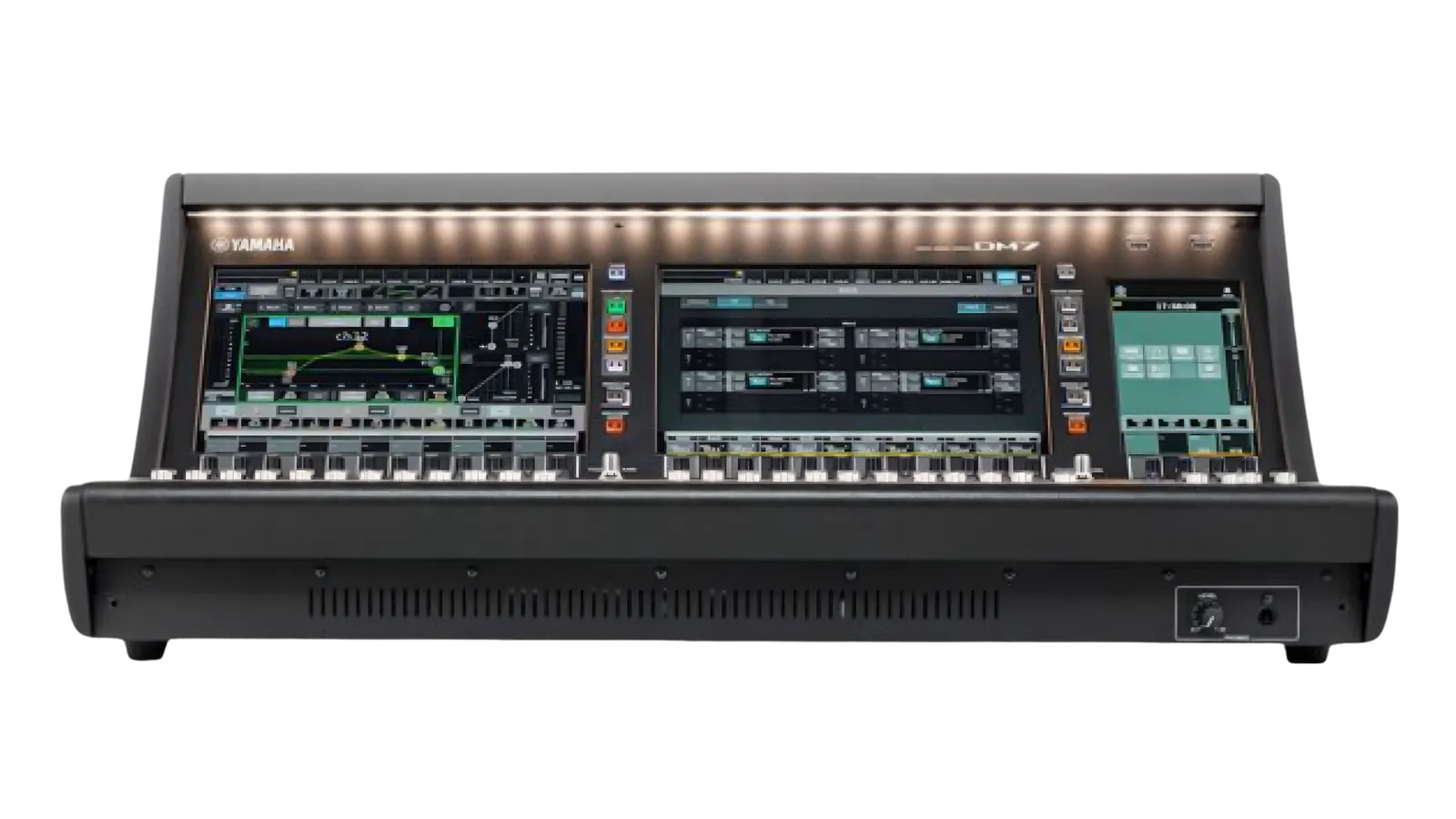
Connect to the venue's audio tech
Connect the mixer via XLR-to-USB cable for optimal audio quality.
- app.streamlingo.netMicrophoneChoose microphone…Input languageChoose language…Listener linkStart
Choose microphone, set input language & start translation
Allow microphone, select the input language and press Start. Translation begins instantly.
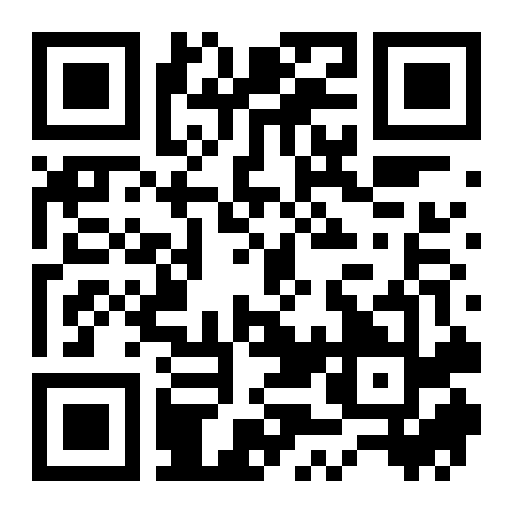
Promote translation & present QR code
Show QR codes on slides, posters or flyers and actively invite people.
- app.streamlingo.netMicrophoneMacBook AudioInput languageGermanListener linkTranslation running
Scanning QR code…
Scan QR code, choose output language & listen
Scan the QR code, pick your language and listen live. No app required.
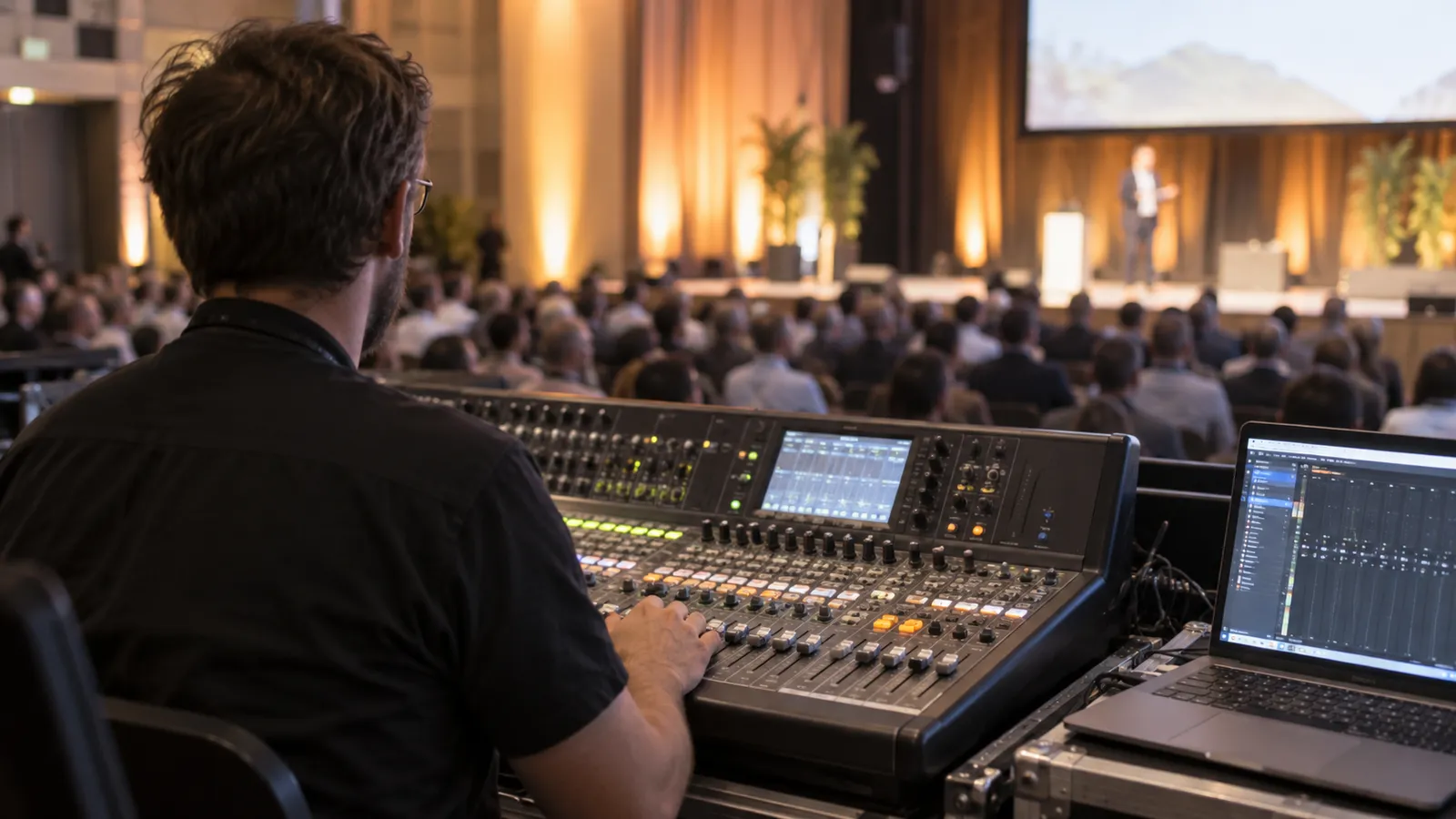
What you need.
Just a quick checklist.
Computer & internet connection
A stable upload is what matters: 500 kbps is the minimum, from 4 Mbps it runs reliably.
Up-to-date browser & Streamlingo account
Needed only by you as the host, not by your listeners.
Audio input
Connect the audio source to the PC, e.g. via XLR-to-USB cable.
A conversation before you start.
Whether a personal call, online demo, or a quick message, we're here for you.



A conversation before you start.
Got questions? Feel free to drop us a message.