What translation headphones and translator apps do well
Personal translator apps and earbuds are made for conversations: when travelling, in a restaurant or at a one-to-one meeting. The phone listens to what is being said nearby and translates it straight into the ear.
Why this reaches its limits at events
At a conference or a church service, the situation looks different:
- Large room, lots of reverb: The speaker is far away, and the sound comes through loudspeakers. A phone microphone in the fifth row doesn’t get a clean signal.
- Background noise: Coughing, conversations and music interfere with speech recognition.
- Everyone needs the right app or hardware: Special earbuds have to be bought first.
- No control for the organiser: The organiser doesn’t know whether guests really understand what is being said.
The better solution: the audio comes straight from the mixing desk
With Streamlingo, it isn’t the guests’ phones that listen: the system receives the audio directly from the mixing desk or the speaker’s microphone. That means:
- A crystal-clear signal: without reverb and room noise, the basis for a good translation
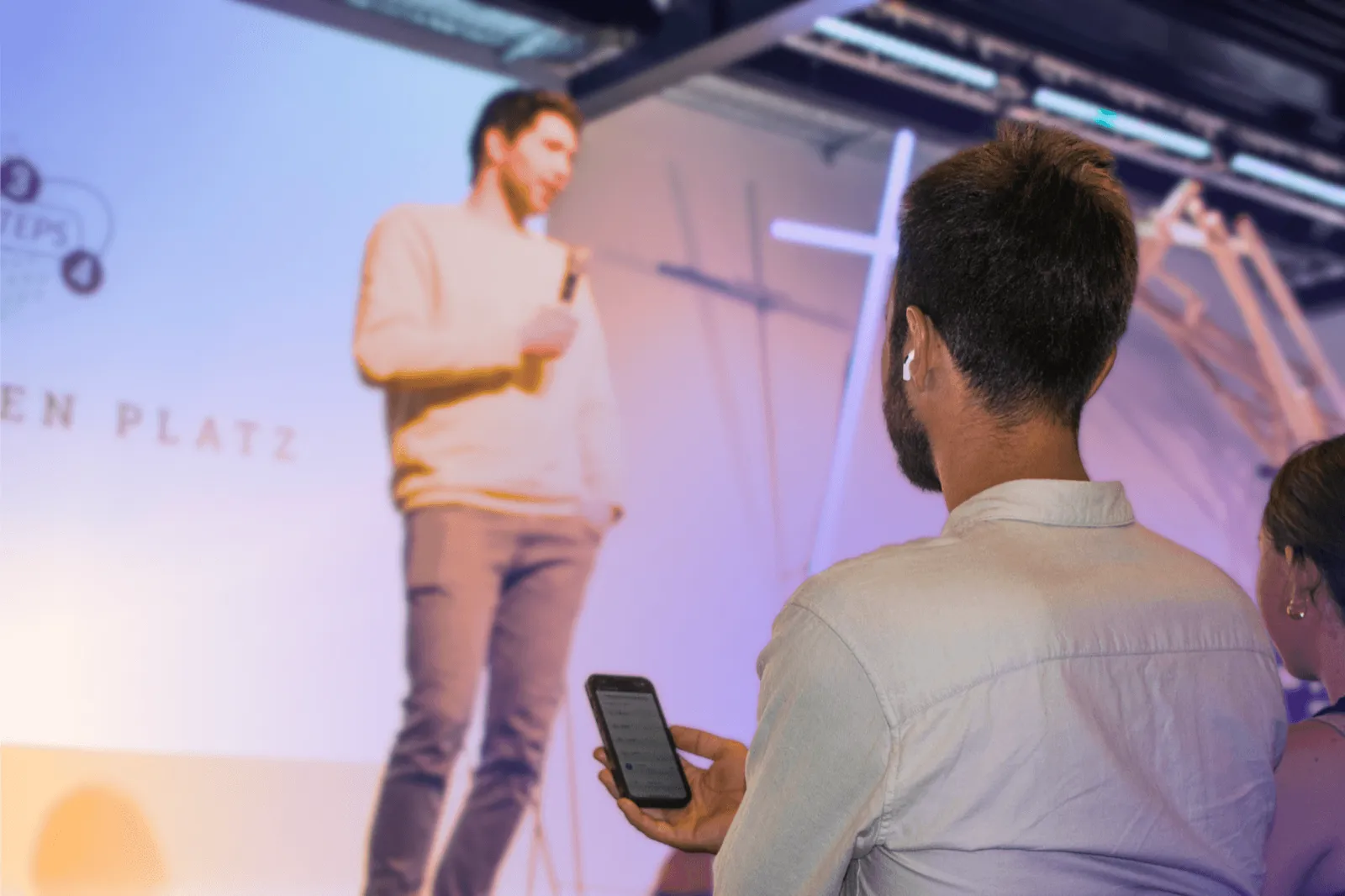
- With any headphones: Whether AirPods, Bluetooth earbuds or wired headphones, guests simply use what they have with them.
- No app needed: Scan the QR code, choose a language, listen.
- More than 80 languages at once: Every guest chooses their own language.
- Audio and captions: Anyone who would rather read along uses the live captions.
Tips for your guests
- Bring your own headphones: Mention this in the invitation.
- Keep an eye on the battery: Live audio uses power. For longer events, a few power banks at the information desk are worth having.
- Have spare headphones ready: A few cheap wired headphones help guests who have forgotten theirs.
Translation headphones are strong for personal conversations.
For events with many listeners, AI live translation with audio straight from the mixing desk is the better choice, and everyone simply uses their own headphones.