
Setup options
Ready in minutes.
Most lecture halls are equipped with professional sound systems. Streamlingo only needs an audio source that can be connected to the PC in various ways.
Download instruction PDF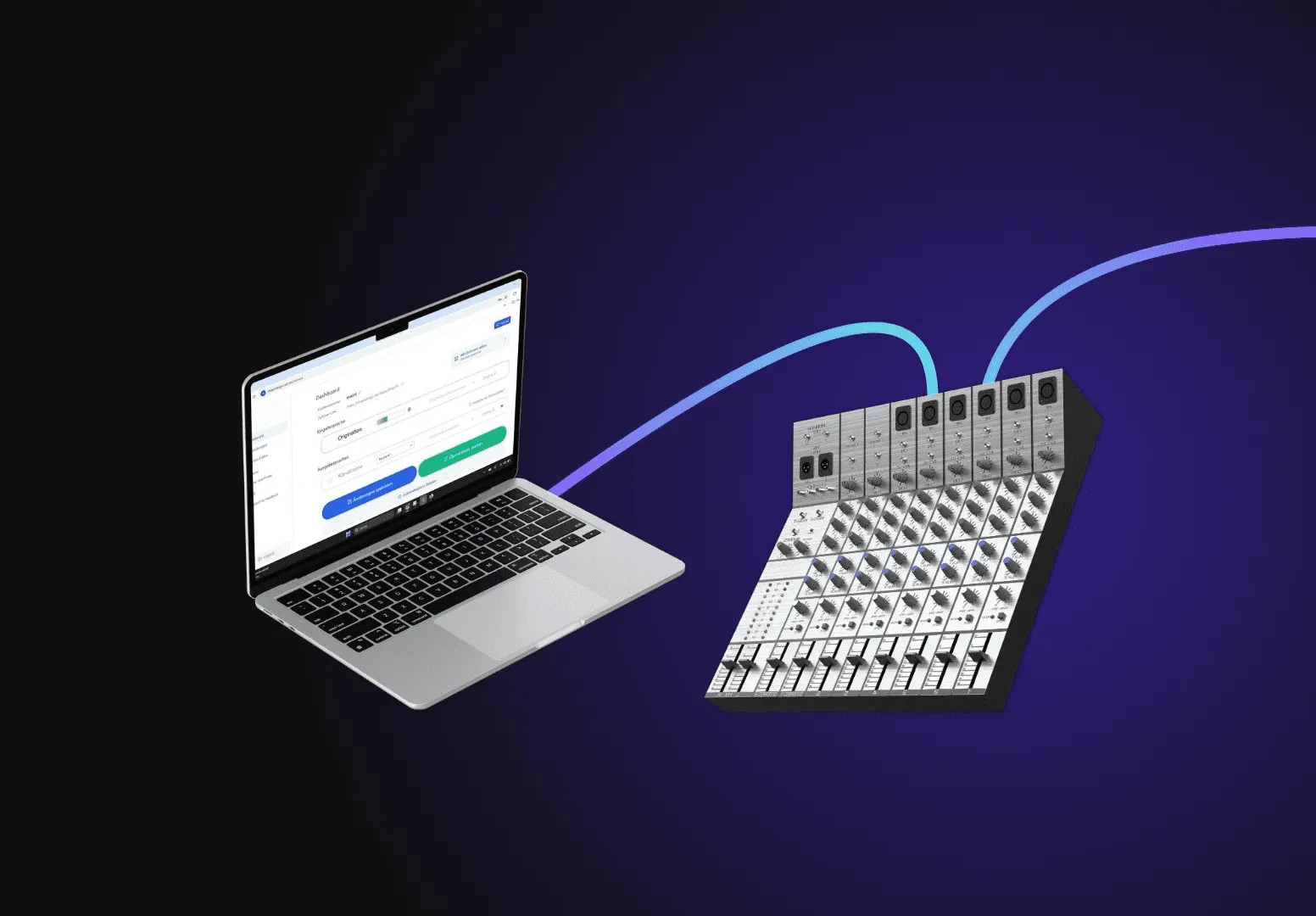
XLRXLR-to-USB cableMost lecture halls use this cable. Make sure to order it in time — unfortunately it's often not available in local stores.
AUX6.35mm-to-3.5mm AUX cable (mono or stereo)Some mixers only offer AUX outputs. If that's the case for your lecture, choose this option.
DanteNetwork audioIf your lecture hall already has a PC connected to the audio system via a Dante sound system, you don't need any additional equipment.
...There are plenty more options.6.35mm-AUX-to-USB, XLR-to-3.5mm-AUX, etc. Ask your tech team. They'll find a way.
Microphone
You don't have a sound mixer?
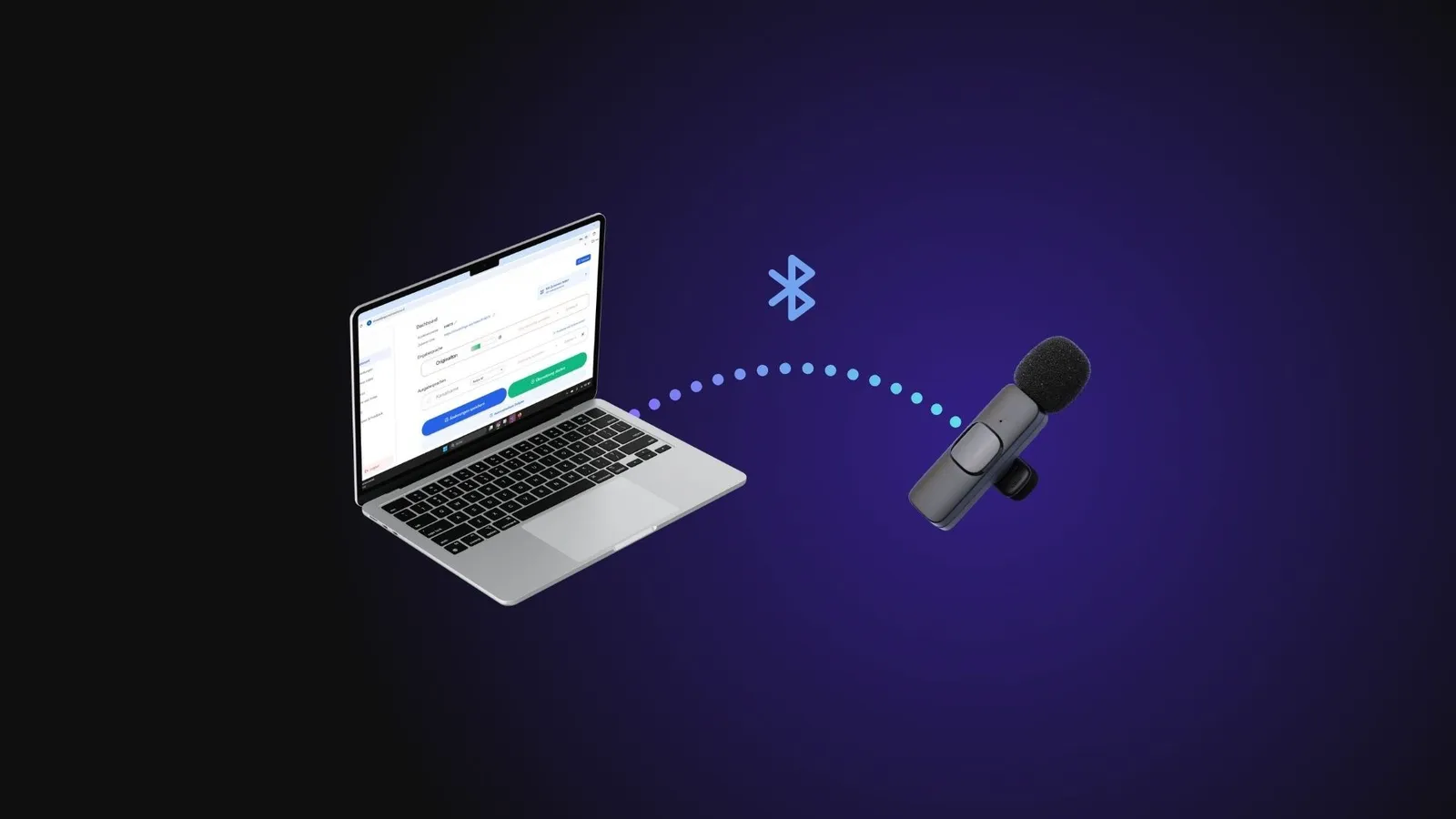
No worries. You can use an external microphone connected directly to your PC, or try the built-in microphone for testing purposes.
External microphoneWhether wired or wireless, this option gives you great flexibility and lets you stay location-independent.
Built-in microphoneYou can use the built-in microphone for testing purposes, but its quality is not sufficient to capture audio from the stage.
Headphones
What about headphones?
The idea is that everyone brings their own headphones. But what if someone forgets or didn't know they need to bring one?
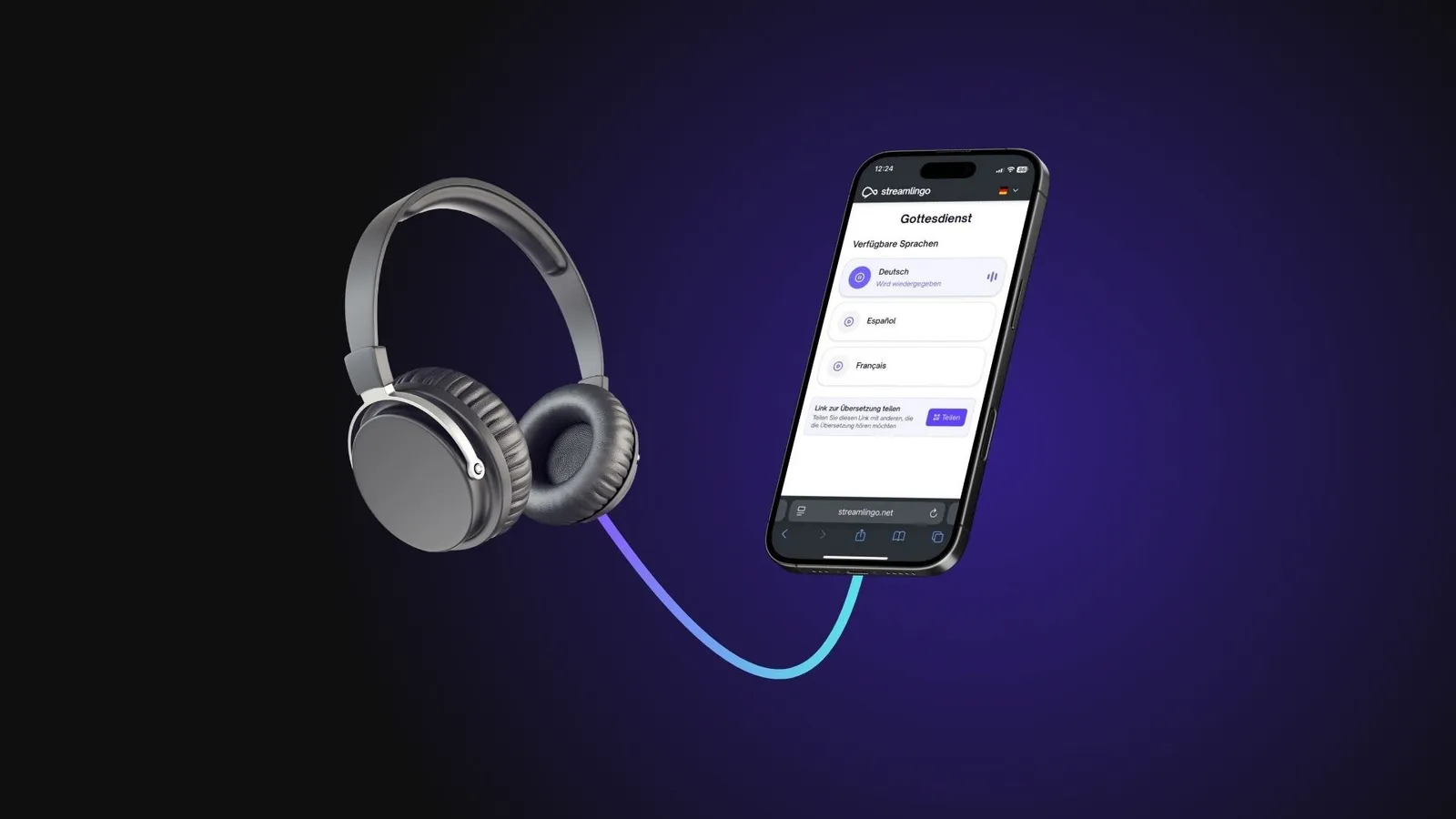
Lending out headphonesAs a university, you can offer headphones and Wi-Fi as backup options for guests who forgot their headphones or have no reliable internet connection. Also remember suitable adapters (USB-C, Lightning, etc.).
Users bring their ownEspecially before larger events, clearly communicate to international guests that they should bring their own headphones.
Contact
Personal consultation for you and your university.
Whether a personal call, online demo, or a quick message, we're here for you.

Personal consultation for you and your university.
Got questions? Feel free to drop us a message.